Live Transcribe for iPhone & iPad
Real-time speech-to-text, live captions, sound notifications, offline transcription, and live translation designed for Deaf and hard-of-hearing users.
Supports iPhone and iPad with iOS 26+

Live Transcribe & Notification for iPhone and iPad
If you're looking for Live Transcribe & Notification for iPhone, you can turn your iPhone or iPad into a real-time accessibility tool for conversations, speech, and important sounds around you.
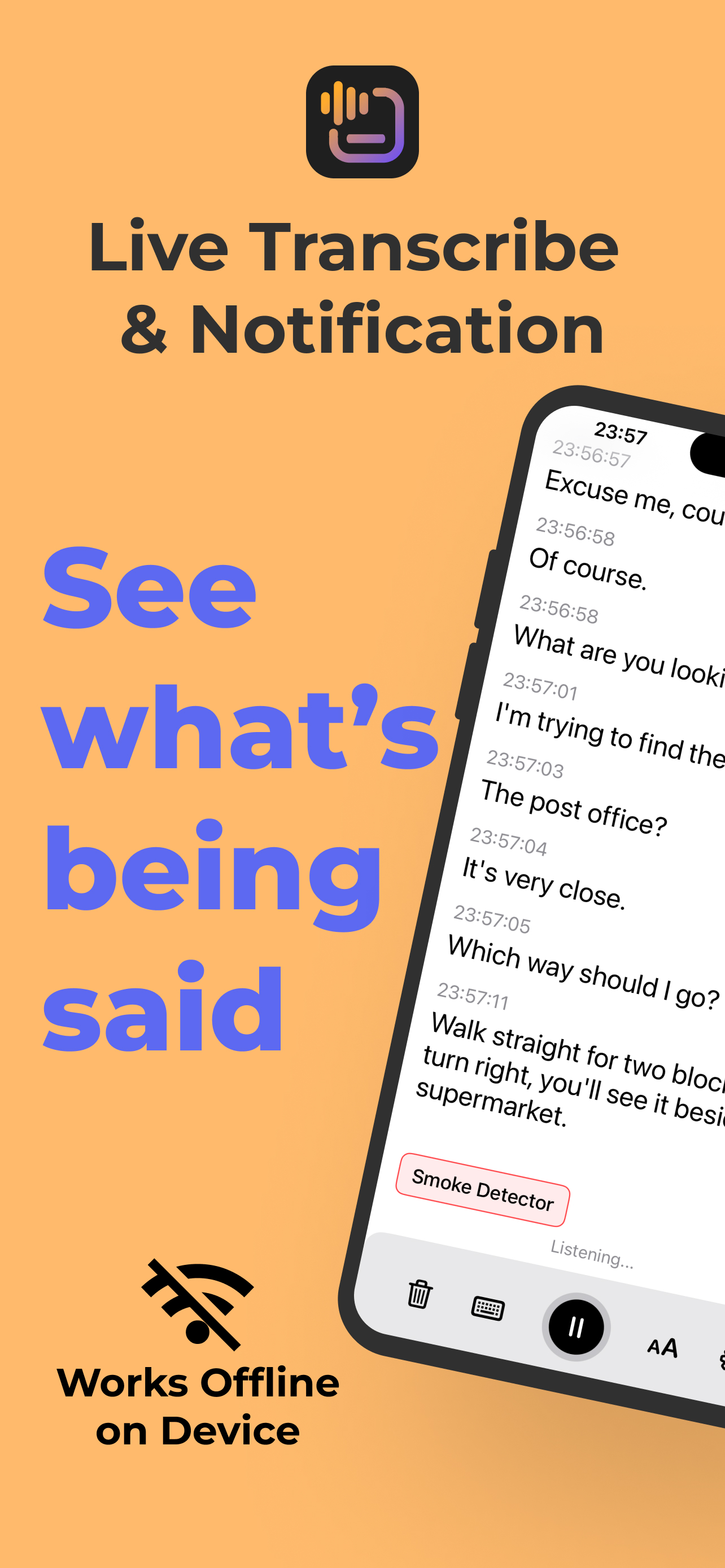
Live Transcribe & Notification for iOS provides real-time speech-to-text, live captions, sound and speech notifications, live translation, offline transcription, and transcript export in an app designed for Deaf and hard-of-hearing users.
There is no account required, and your conversations and transcript history stay on your device.
Is Live Transcribe Available on iPhone?
Google's well-known Live Transcribe and Sound Notifications experience is primarily associated with Android. If you use an iPhone or iPad and are searching for similar functionality, Live Transcribe & Notification provides an iOS alternative built specifically for Apple devices.
You can use your iPhone to:
- Transcribe conversations in real time
- Read live captions while someone is speaking
- Receive notifications for selected sounds
- Get alerts when a specific name or word is spoken
- Translate conversations in real time
- Transcribe speech without an internet connection
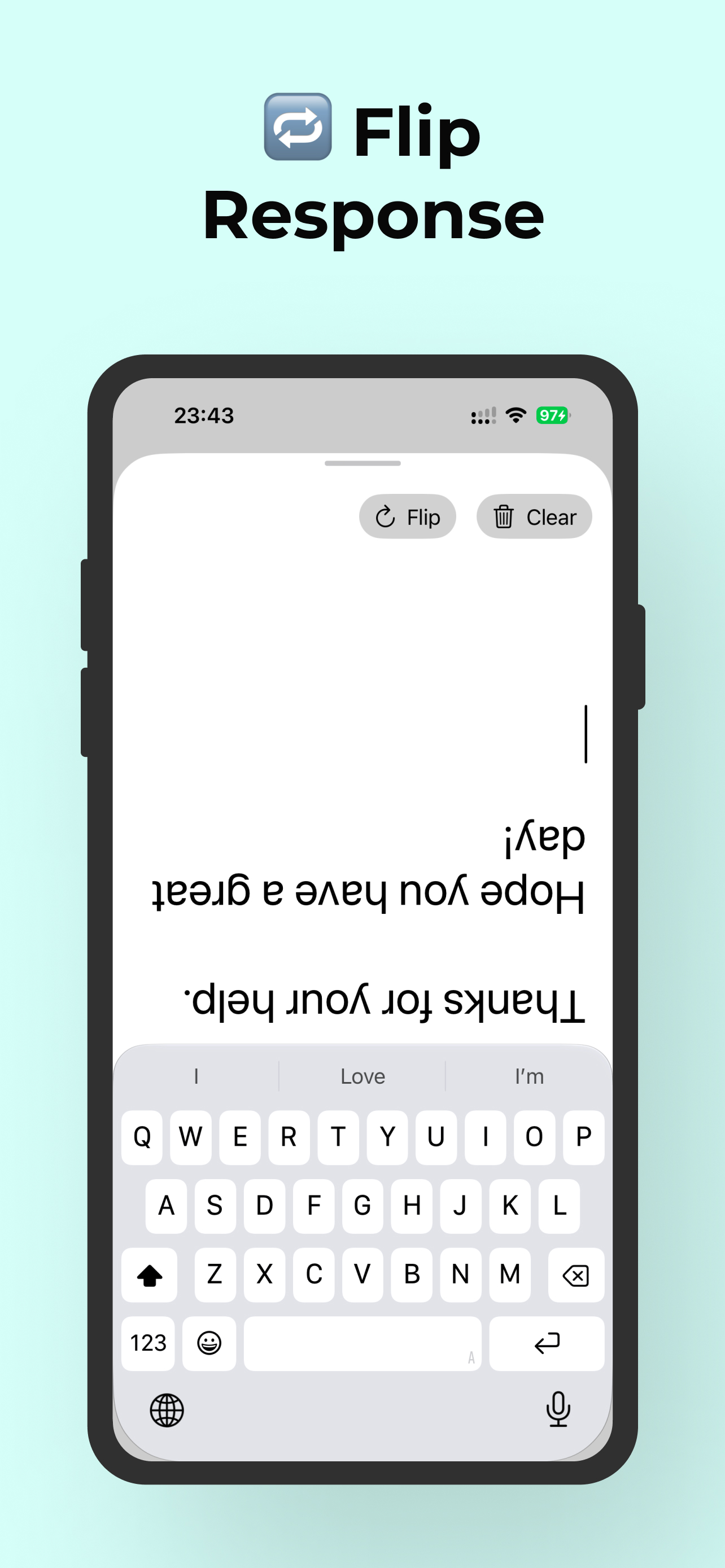
- Save and export transcripts
- Use external microphones for better audio capture
Simply open the app and start transcribing.
Real-Time Live Transcription on iPhone
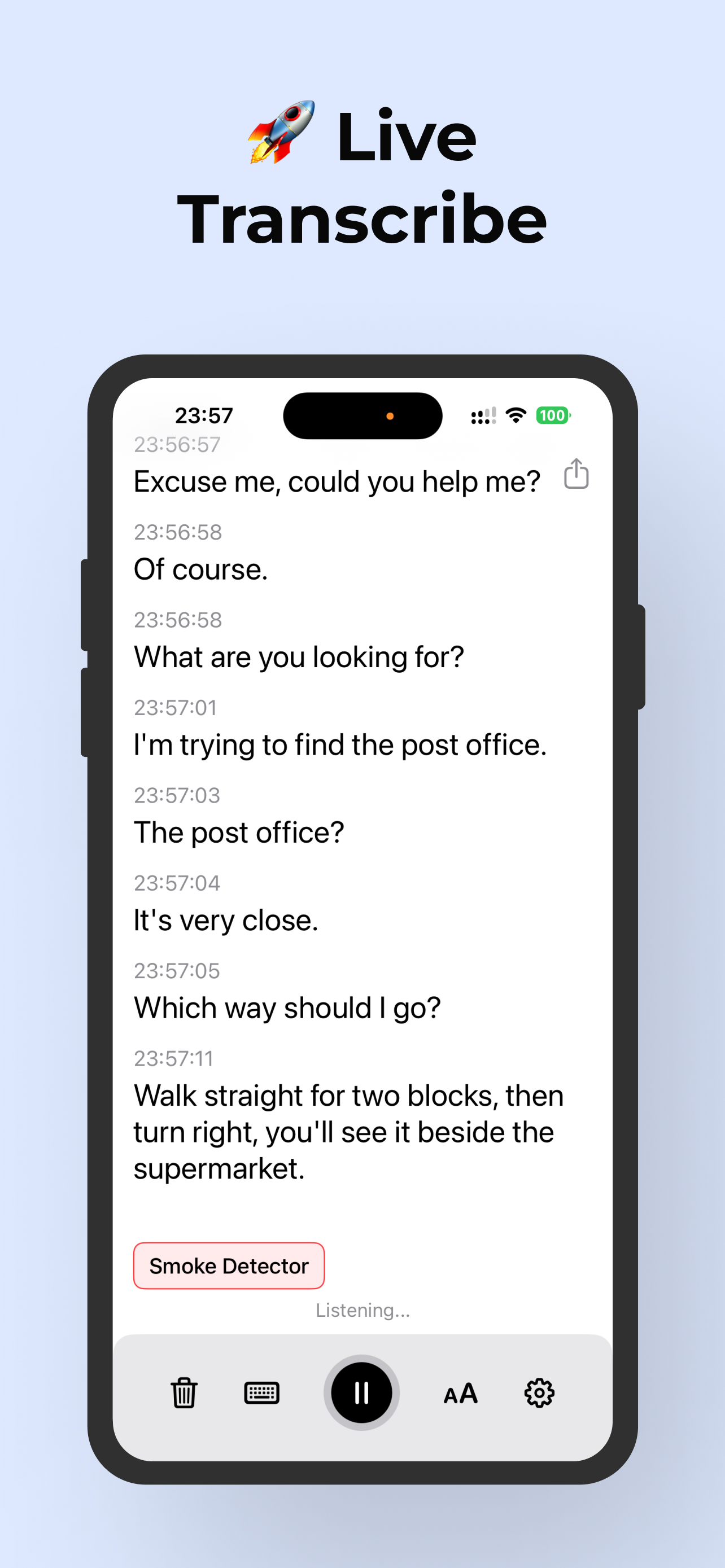
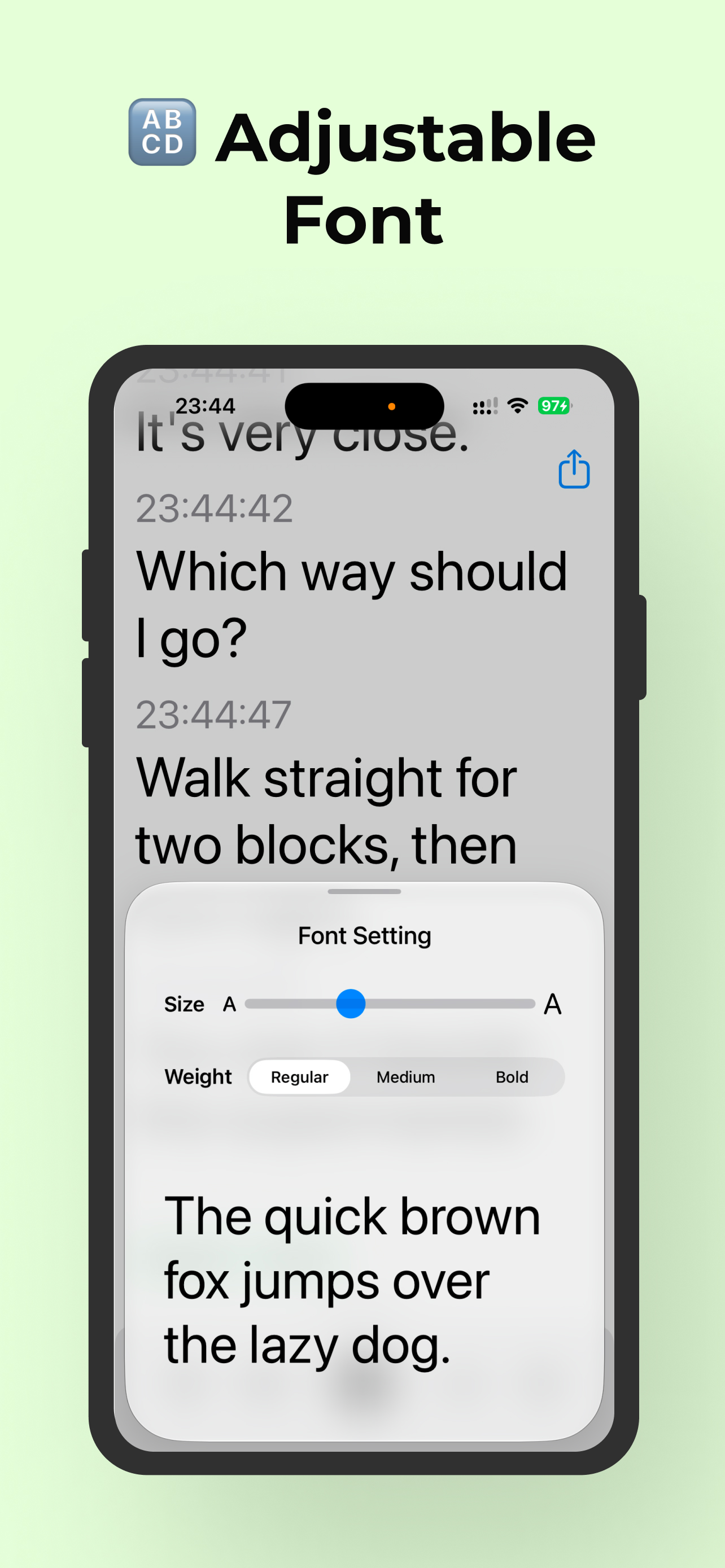
Live transcription converts spoken words into readable text as a conversation happens.
Instead of recording audio and waiting for transcription later, speech appears on your iPhone or iPad screen in real time.
Real-time speech-to-text can be useful for Deaf and hard-of-hearing users during:
- Face-to-face conversations
- Family gatherings
- Work meetings
- University lectures and classes
- Medical appointments
- Restaurants
- Public places
- Travel
- Group conversations
- Conversations with hearing people
Offline Speech-to-Text
Live transcription can work offline, allowing supported speech recognition to continue without Wi-Fi or cellular data.
Offline transcription is especially useful when traveling, in areas with poor reception, or whenever you prefer to keep conversations entirely on your device.
Live Captions for Everyday Conversations
Your iPhone can act as a portable live captioning device. Place it on a table during a conversation, hold it while speaking with someone, or connect an external microphone to improve audio capture from farther away.
The app supports compatible:
- iPhone and iPad microphones
- Bluetooth microphones
- Wired microphones
- USB microphones
Sound and Speech Notifications
Accessibility isn't only about understanding speech. Being aware of important sounds around you can also matter.
Live Transcribe & Notification provides sound and speech alerts to help you stay aware of your environment.
Spoken Word and Name Notifications
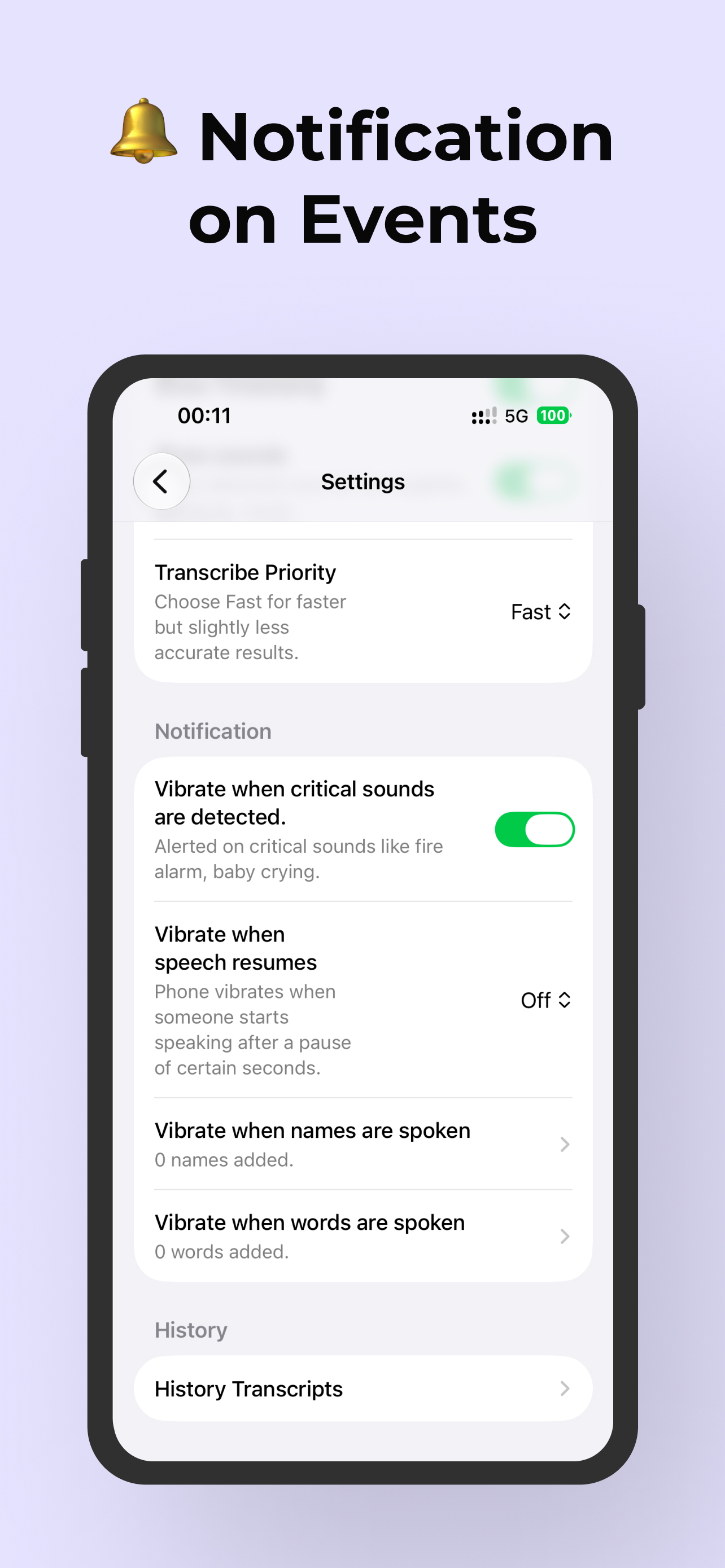
Choose a specific word or name and have your iPhone vibrate when it is detected in nearby speech.
- Someone says your name
- An important keyword is mentioned
- Someone calls for you
- A particular phrase is spoken
Sound Detection Notifications
The app can detect supported important sounds and notify you when they occur, giving your iPhone another way to help you stay aware throughout the day.
You can also receive an alert when speech starts again after an extended period of silence.
Live Translation with Real-Time Transcription
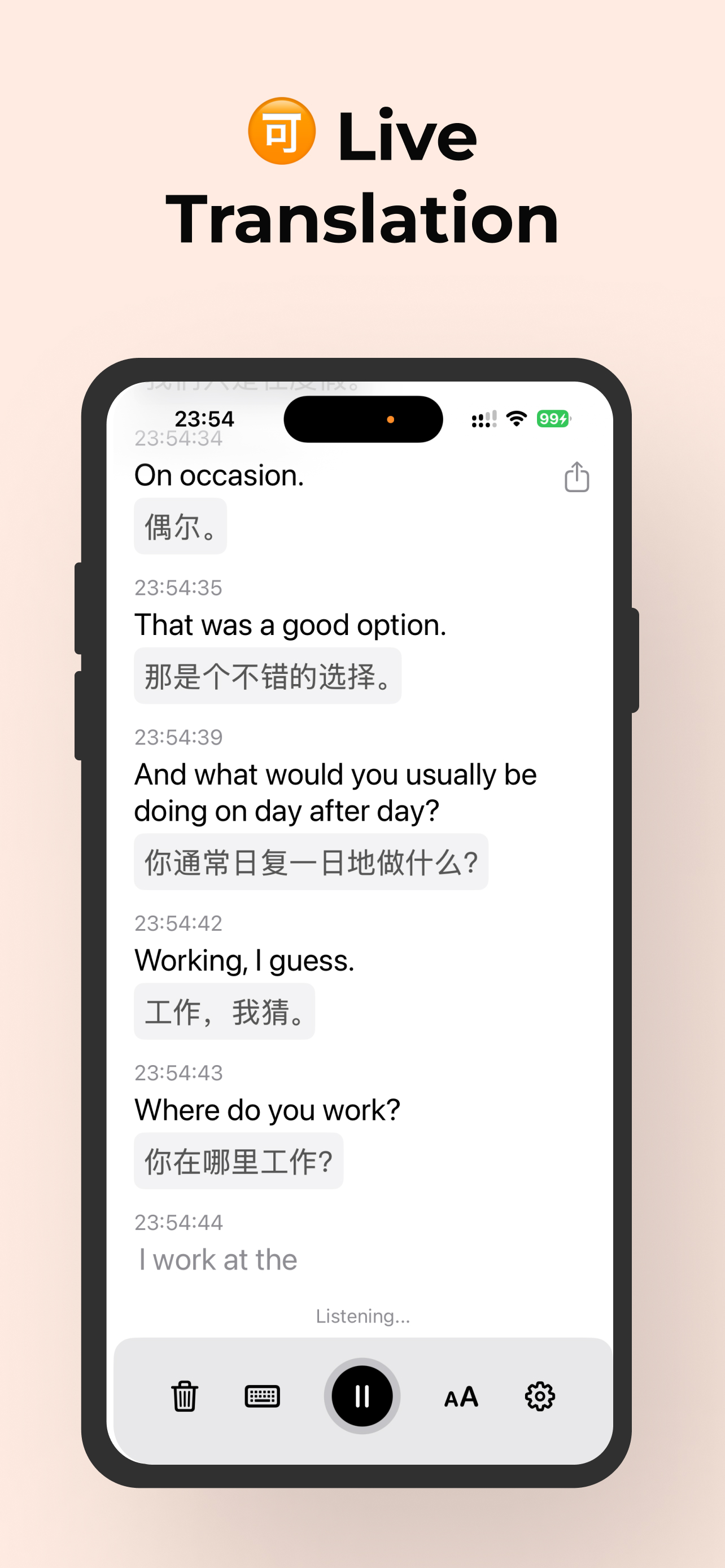
Live Transcribe & Notification combines live transcription with live translation.
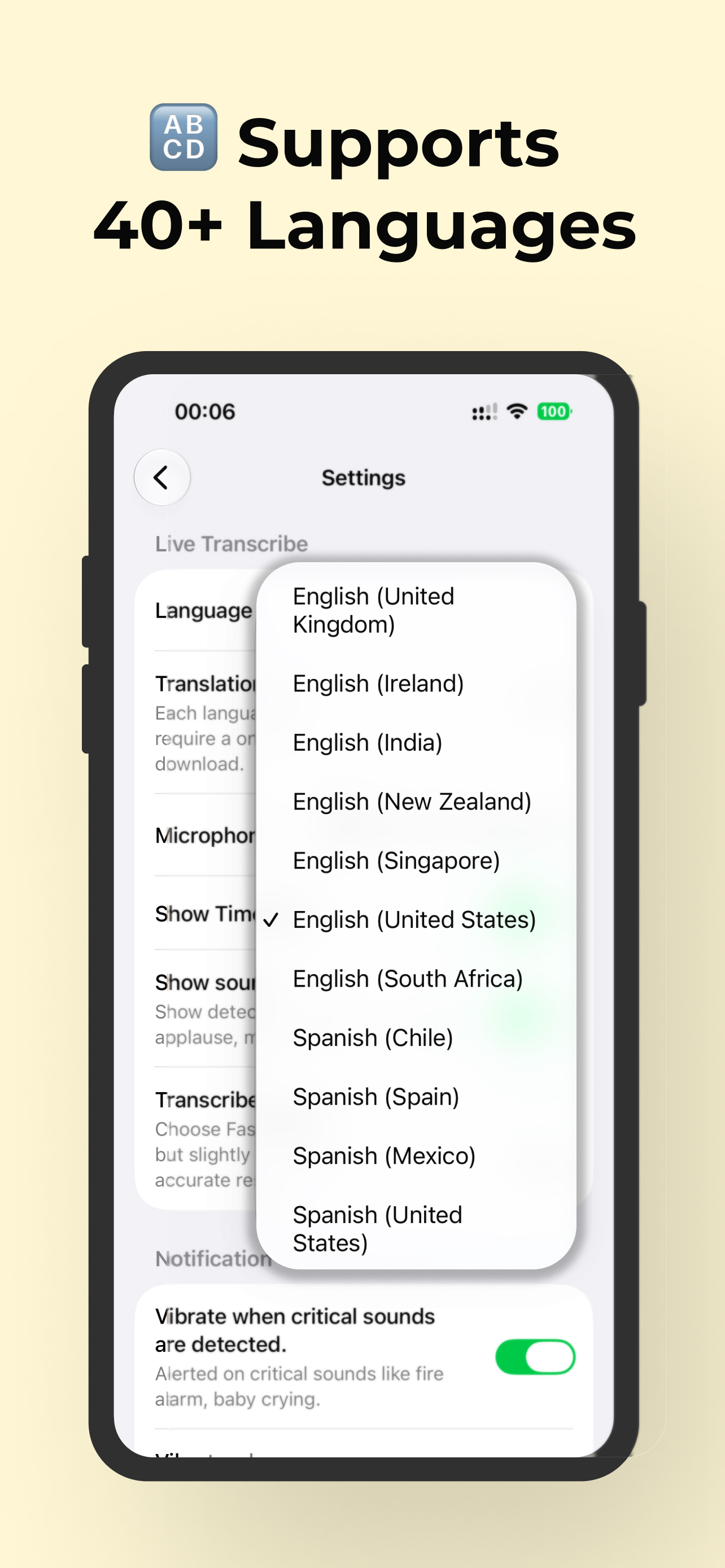
When someone speaks another supported language, you can follow both the original transcription and its translation while the conversation is happening.
Live translation can be useful for:
- International travel
- Multilingual conversations
- Meetings
- Lectures
- Appointments
- Conversations with friends and family
Designed for Deaf and Hard-of-Hearing Users
Live Transcribe & Notification is designed around everyday situations where spoken communication can otherwise be difficult to follow.
For a Deaf or hard-of-hearing person, an iPhone can become a portable speech-to-text and sound-awareness tool that is available whenever live captions are needed.
You might use it when speaking with:
- Family members
- Friends
- Coworkers
- Doctors and healthcare professionals
- Teachers and professors
- Customer service employees
- Restaurant staff
- People you meet while traveling
Private, On-Device Transcription
Conversations can contain highly personal information, so privacy is a core part of Live Transcribe & Notification.
The app does not require you to create an account.
- Transcriptions stay on your device
- Transcript history is stored locally
- Conversations are not uploaded to an account
- Transcription data is not sent to the app developer
Your conversations. Your device. Your privacy.
Save, Export, and Share Transcripts
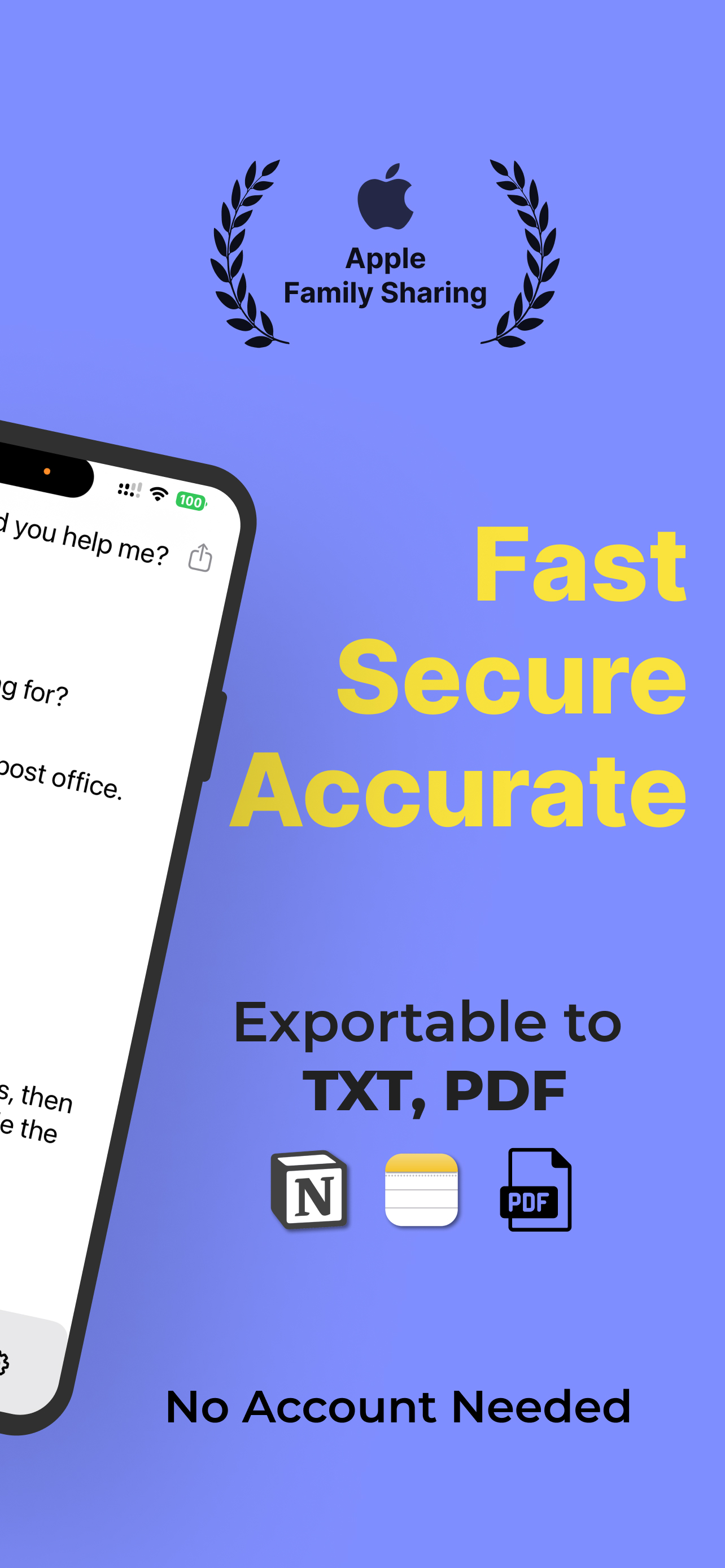
Sometimes live captions are useful only in the moment. Other times, you may want to keep a conversation for later.
Live Transcribe & Notification lets you save and export your transcription history.
- Copy transcript text
- Export conversations as text
- Save translations
- Create PDF documents
- Share transcripts with other people
Apple Family Sharing
Live Transcribe & Notification supports Apple Family Sharing, allowing eligible subscriptions and features to be shared with members of your Apple family group.
Family Sharing can be especially useful if you are setting up the app for a parent, partner, child, or another family member who is Deaf or hard of hearing.
An iPhone Alternative to Live Transcribe and Sound Notifications
If you're coming from Android's Live Transcribe and Sound Notifications and want similar accessibility features on an Apple device, Live Transcribe & Notification brings the core experience to iPhone and iPad with additional iOS-focused features.
Features include:
- Real-time speech-to-text
- Live captions
- Offline transcription
- Sound notifications
- Spoken-word notifications
- Live translation
- External microphone support
- Local transcript history
- PDF and text export
- Apple Family Sharing
- Privacy-first, account-free use
Turn Your iPhone Into a Live Transcription Tool
Whether you're having a conversation at home, attending a meeting, ordering at a restaurant, visiting a doctor, sitting in a classroom, or traveling somewhere new, Live Transcribe & Notification gives you another way to understand speech and stay aware of what's happening around you.
No account. No complicated setup. Open the app and start transcribing.